Give every client a live view of their work.
Most of the time a client spends wondering where something stands is time you spend answering. The portal gives them their own view of the work you're doing for them — what's in progress, what's waiting on them, what's done — so the update is always there without you writing it.
- One view per client
- Sign in by emailed link
- No password, no account
- Approve requests and message you
- Simple progress — in progress, waiting on them, done
- Revoke access per person
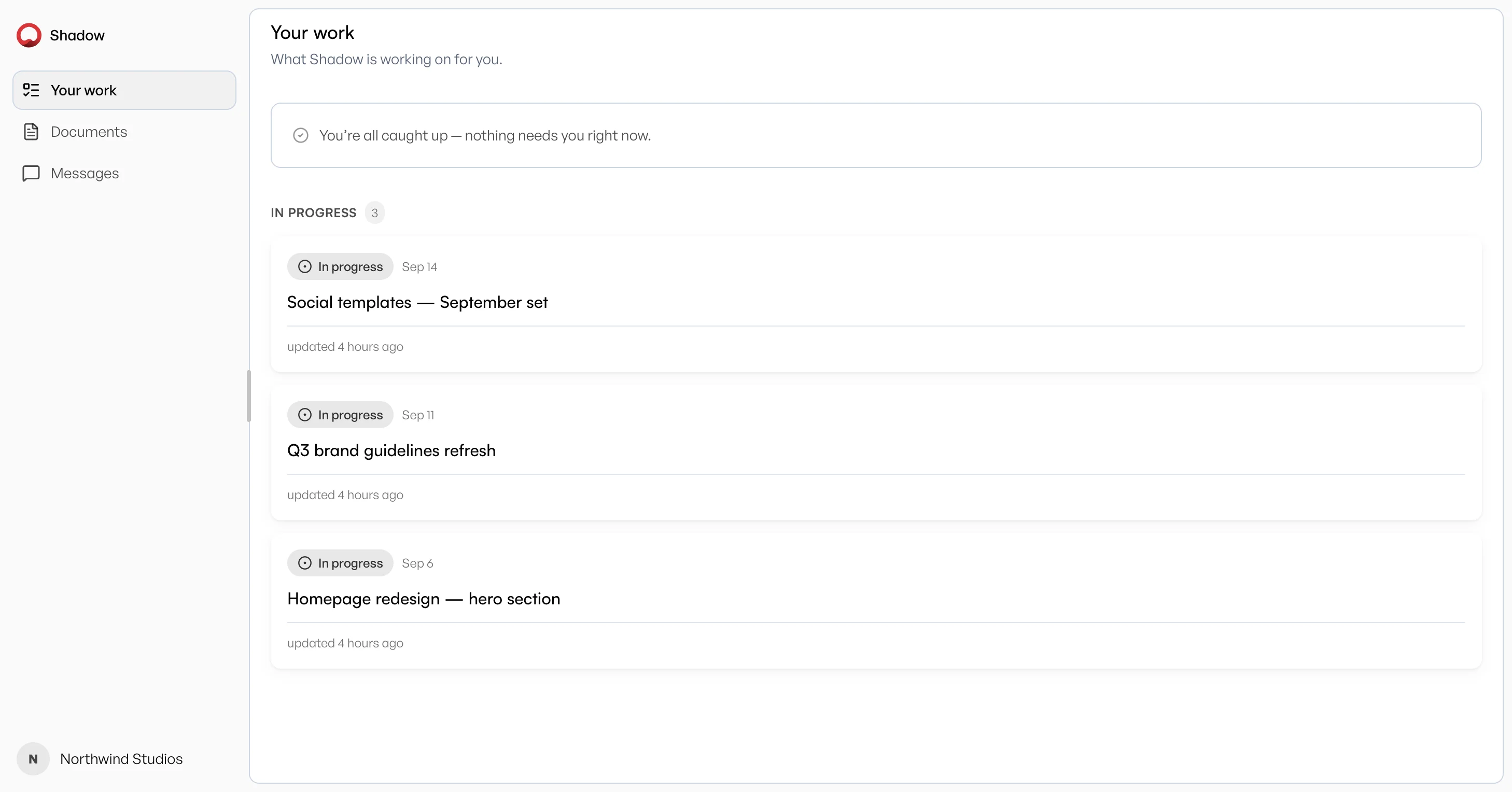
The status email you stop writing
The weekly 'quick update' exists because your client has no way to look. Give them a link and they can look whenever they want — their work, not your full board, showing what's in progress, what's waiting on them, and what's done.
They sign in without an account
A contact signs in with an emailed link — no password, no account. There's nothing to sign up for, and nothing for them to lose. The link works once and expires, and their access is a row you can delete the moment the engagement ends.
Simple progress, not your internal board
Clients see whether work is in progress, waiting on them, or done — not your agency's internal column names. Renames and custom statuses stay inside the team.
Conversation where it belongs
A dedicated Messages thread keeps client feedback with your team, attributed to them — not a scatter of status emails. Approvals live on the task sheet so a yes/no decision never gets lost in chat.
One client, one view
Each contact sees the work for their own client record and nothing else. Adding someone to one client doesn't show them anything about another — the separation is enforced by the database itself, not by a setting somebody has to remember.
A share link is a secret URL for one document, readable by anyone it gets forwarded to, and it isn't tied to a person. The portal is standing access for a named contact — it covers their whole board rather than a single file, and you revoke it per person. Use a link to send one brief; use the portal to stop being asked for updates.